STEAM
|
Community Project by 5th Graders and Kindergarten
|
Jackson's Mini Fan (Grade 2)
|
|
Interactive California Missions Map by Fourth Grade
|
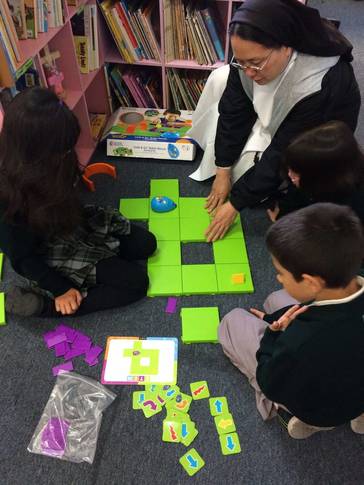
AN ENDEARING ROBOT MOUSESecond graders enjoy their time with Colby, our endearing robot mouse that teaches programming basics. While it may look like second graders are just playing, they are doing more than that. They are acquiring skills necessary to be successful not just in the field of technology but in anything they pursue in life. Playing with Colby teaches them to make observations and generate ideas, plan and try a solution, redesign the solution, make improvements, ask questions... If their program doesn't work, they review it. They practice patience as they figure out how to make it work. They cooperate with team members to be successful in completing tasks. They take turns playing different roles - the maze builder, the coder and the operator. Sofia’s favorite role is the maze builder because she says it is fun to design the maze. Jenna likes to be the coder because it is fun to know where the mouse is going. Santiago also enjoys being a coder because he gets to tell the mouse where to go.
|
|
|
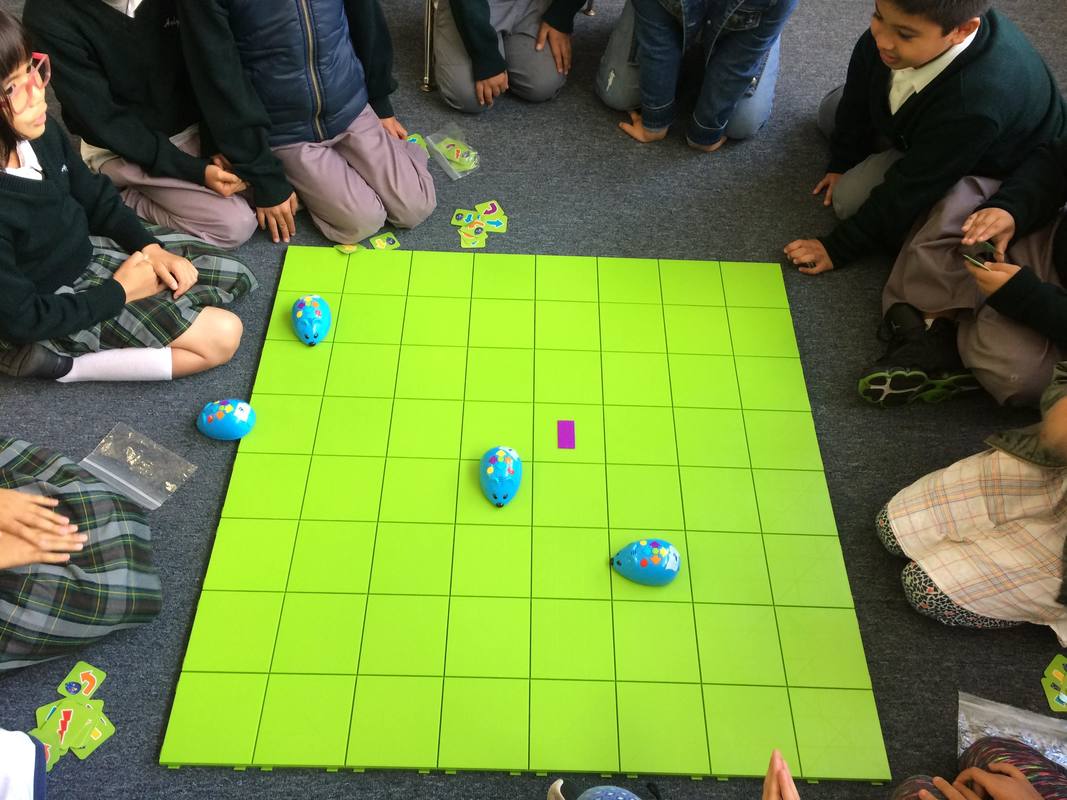
Whole class activity: Students were divided into four groups. Each group had a robot mouse and started at a corner of the grid. Which group can get their mouse to the purple rectangle?
|
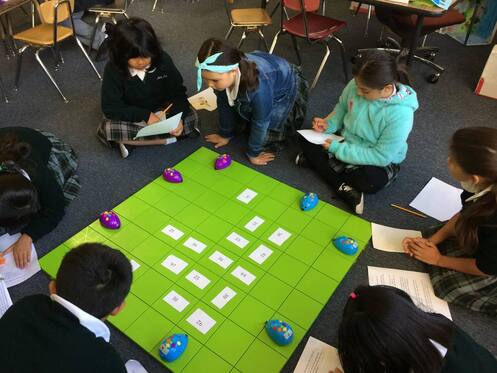
Students were given a worksheet with 5 math word problems involving addition of two-digit numbers. Students selected one problem to solve and programmed their mouse to get to the correct answer.
CIRCUITS
Halloween paper circuits
|
|
|
|
MICROBIT PETS
Students worked individually or in pairs and had fun creating their Microbit pets. Students programmed the Microbit LEDs to display texts or images. Below you will find some of their work. The one on the left is a video of sixth graders' pets and on the right are the third graders' pets.
|
|
|
DIGITAL CITIZENSHIP
After our lesson on digital citizenship and bullying, sixth graders made these pledges.

LEGO MINDSTORMS
A few years ago, Eduardo and Eric would play with the Lego Mindstorms in Mrs. Fuerte's office during lunch recess. Below are some of the projects they have completed. The Lego Mindstorms kit is not used in the classroom but students are welcome to build in Mrs. Fuerte's office during recess time.
|
Watch Eduardo's robot (Eduardo was in 5th grade when he did this project) hit the red ball. A light sensor is used to detect the color of the ball and an ultrasonic sensor is used to measure the distance from the ball so the robot knows when to swing at the red ball.
|
In this video, Eduardo talks to first graders about his robot rattlesnake. The eyes are the ultrasonic sensors. When it sees something closer than 50 inches away, it attacks!
|
|
A robot that can pick up all kinds of things by turning two knobs.
|
Eric (4th grader in this video) uses the ultrasonic sensor to make his robot move away from him.
|